
The short answer
Choose Skiller for a desktop workflow centered on inspecting installed instructions, editing SKILL.md and managing agent targets. Compare xingkongliang’s Skills Manager when named presets, Git-backed device backup or a companion CLI are priorities. Both offer desktop libraries and project workspaces.
Written by the maker of Skiller. Official project documentation checked on October 5, 2026. This compares documented workflows, not hands-on performance or security benchmarks.
Skiller vs Skills Manager: features at a glance
| Workflow | Skiller | Skills Manager |
|---|---|---|
| Interface | Desktop app | Desktop app and companion CLI |
| Main editing workflow | Inline SKILL.md editing and visual target management | Skill preview, source inspection and upstream comparisons |
| Project scope | Repository-scoped skill management | Project Workspaces with per-agent assignment |
| Discovery | skills.sh and ClawHub Marketplace sources | skills.sh Marketplace plus Git, local and archive imports |
| Named presets | Not presented as a current product feature | Named skill groups with one-time activation |
| Device backup | Cross-agent sync; no claim of automatic device backup | Git-backed snapshots, device sync and conflict choices |
| License | Sustainable Use License | MIT |
Which Skills Manager are we comparing?
This article compares Skiller with xingkongliang/skills-manager. There is also a separate Skills Manager by jiweiyeah. The jiweiyeah README links to skillsmanager.freeourdays.com; these are different products; features and licenses from one should not be attributed to the other.
The xingkongliang project is a desktop app built with Tauri and a companion CLI sharing its library, database and sync engine. Skiller is a desktop app built with Electron. We have not benchmarked their resource use, startup speed or reliability, so this comparison focuses on the tasks their documentation describes.
Why choose Skiller for everyday management?
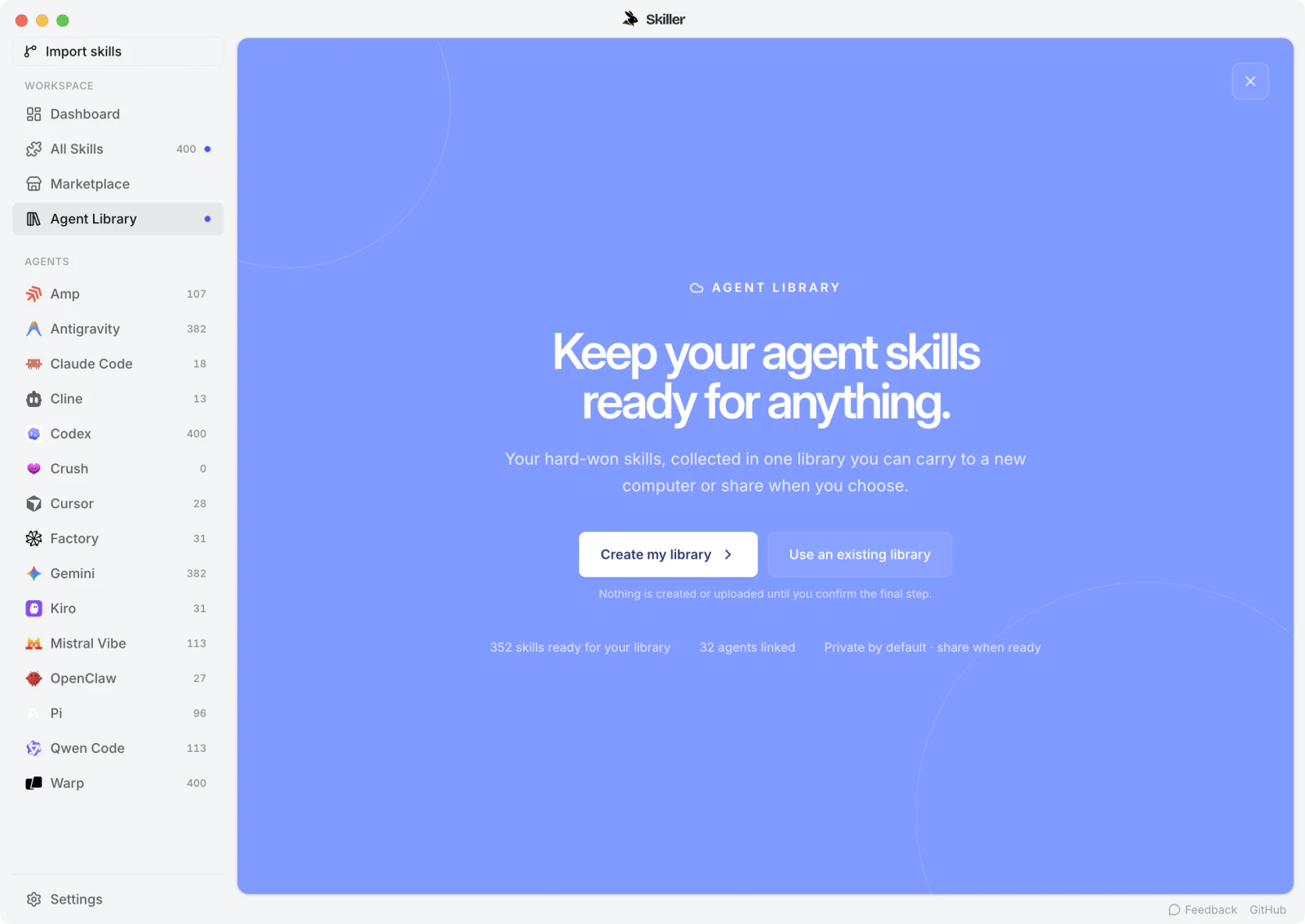
Skiller puts your agents, installed skills and status in one dashboard. From the library you can read a skill, edit its instructions and select the agents that receive it. Project scope keeps repository-specific procedures separate from the personal collection you use across projects.
That makes Skiller a useful choice when customization is the recurring job: you find a community skill, inspect what it asks the agent to do, adapt SKILL.md to your workflow and synchronize the reviewed content. Marketplace includes both skills.sh and ClawHub. Our community skill review guide explains what to inspect before installation.
Skills Manager also offers visual inspection and multi-agent controls. The distinction is not “Skiller has a UI and the other product does not.” Choose based on the editing, deployment and library workflow you prefer, then verify the actual agents you use.
What do Skills Manager presets add?
Skills Manager documents named groups of skills that can be activated in a workspace for the chosen agent scope. A preset applies once rather than creating a continuously synchronized group. Its Global, Project and Linked Workspaces also support different views of the library and deployment destinations.
Compare it carefully if you routinely switch entire groups of skills between projects or need custom skill roots outside default agent paths. Skiller’s current product documentation emphasizes direct skill inspection, editing, project scope and cross-agent management rather than named presets.
Cross-agent sync and device backup are different
Synchronizing a skill to Claude Code and Codex on one computer does not back up that library to another computer. Skills Manager documents Git-backed backup with restorable snapshots, automatic device synchronization and choices for conflicting changes. Its remote remains a Git repository.
Skiller should not be chosen on the assumption that cross-agent sync includes those backup features. If you use Skiller with a team library, Git can provide shared source history and review, while Skiller manages local copies and targets. That is a deliberate workflow, not an equivalent automatic backup service. See sharing skills with your team for the division of responsibilities.
What about CLI access and licensing?
Skills Manager ships a CLI that uses the same core as the desktop app. The README describes library installation, deployment, status, presets and Git operations, with machine-readable output and dry runs for selected commands. This is worth considering when an agent or script must operate the manager directly.
Skills Manager uses the MIT license. Skiller offers a free download and publishes source under the Sustainable Use License, which has use and redistribution conditions. If your intended use involves embedding, redistribution or a competing commercial service, review the actual license instead of equating a free download with permissive licensing.
Which one should you install?
Start with Skiller when you want a visual home for reading, editing and managing skills across your everyday coding agents. Start with Skills Manager when named presets, Git-backed device backup or its companion CLI are central requirements.
Try one representative skill and one project before moving a whole collection. Inspect the source copy, confirm the deployment targets and test discovery in each agent. Keep the previous library until the new workflow is verified. The full market comparison includes other managers if neither workflow matches your needs.
FAQ
Which Skills Manager does this comparison cover?
It covers xingkongliang/skills-manager. Skills Manager by jiweiyeah, whose README links to skillsmanager.freeourdays.com, is a separate project.
Does Skiller provide automatic Git-backed device backup?
This comparison does not claim that feature for Skiller. Its cross-agent sync manages local skill targets. Skills Manager documents automatic Git-backed backup and multi-device synchronization.
Is Skills Manager better than Skiller?
Skills Manager is a stronger fit when presets, Git-backed device backup or its CLI are required. Skiller fits visual inspection, inline skill editing and day-to-day agent target management. Test your actual agents and project scope before migrating.
Your skills. One place.
Inspect, edit and sync your skill library across coding agents.
Download Skiller