
The short answer
Choose Skiller for visual skill inspection, editing and synchronization to coding-agent targets. Choose OpenSkills when your integration depends on a generated skill index in AGENTS.md and command-line loading through openskills read. Their sync commands solve different problems.
Written by the maker of Skiller. Official project documentation checked on October 5, 2026. This compares documented workflows, not hands-on performance or security benchmarks.
Skiller vs OpenSkills: features at a glance
| Workflow | Skiller | OpenSkills |
|---|---|---|
| Main job | Manage an installed library and agent targets | Install skills and expose an AGENTS.md index |
| Interface | Desktop library, editor and Marketplace | Command-line installer and loader |
| Reading content | Inspect instructions and supporting files visually | openskills read loads a named skill |
| Meaning of sync | Synchronize skill content to selected agent targets | Write the available-skills index to AGENTS.md |
| Universal project path | Shared .agents/skills/ where supported by the target agent | --universal uses .agent/skills/ (singular) |
| Dependencies | Desktop installer for macOS, Windows or Linux | Node.js 20.6+ and Git for cloning |
| License | Sustainable Use License | Apache 2.0 |
The biggest difference is how agents find skills
OpenSkills installs skill packages and generates an available_skills index in AGENTS.md. An agent that follows that instruction file can load a selected package with npx openskills read <name>. This is useful when you want an explicit loading convention across clients that can read AGENTS.md.
Skiller focuses on the local library and the agent destinations you manage. You inspect installed instructions, edit SKILL.md, keep repository-specific skills scoped to a project and synchronize content to selected agents. Choose it when native agent skill discovery is already part of your setup and you want a visual place to manage what each agent sees.
Why does “sync” mean something different?
With OpenSkills, npx openskills sync updates the skill index in AGENTS.md, or a custom output file selected with --output. It does not mean deploying independent skill copies into every coding-agent directory. The README shows installation and index generation as separate steps.
npx openskills install anthropics/skills --universal
npx openskills sync
With Skiller, cross-agent synchronization concerns the skill content and its selected targets. Do not judge the two products by the word “sync” alone: first decide whether you need instruction-file indexing or local deployment management. Neither action by itself establishes cloud backup across computers.
Check the paths before mixing tools
OpenSkills defaults to project-local .claude/skills/ and uses .agent/skills/ in universal mode. That singular directory is different from .agents/skills/, the shared project convention used by several coding clients. Renaming a directory is not enough to reproduce the OpenSkills loading workflow.
If both tools touch the same project, identify the source folder, installation destination and instruction file first. Keep AGENTS.md in version control and review changes to its generated index. Test whether your client discovers the skill natively or follows the explicit loader instruction; those are separate checks.
Why choose Skiller over OpenSkills?
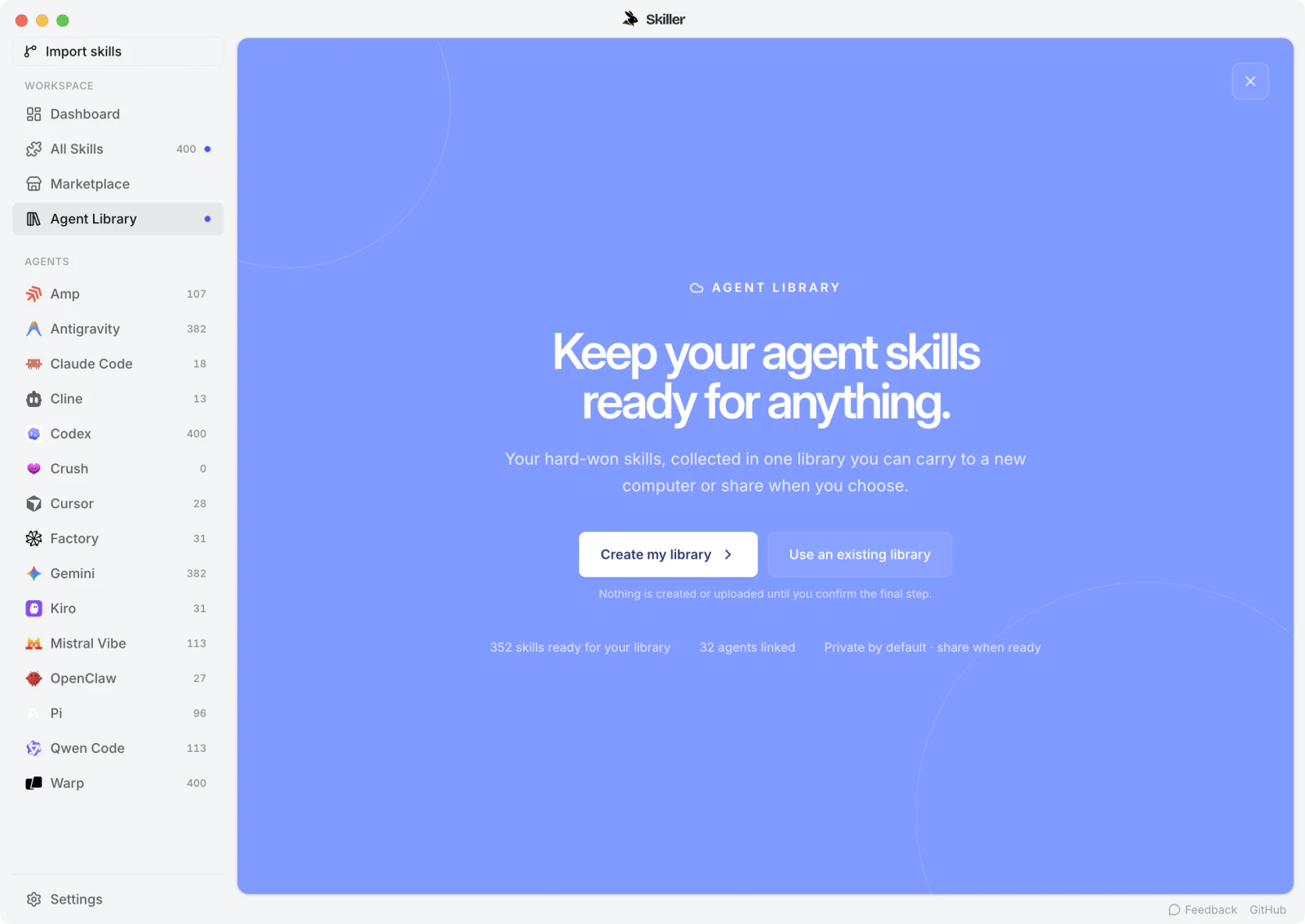
Skiller fits the everyday maintenance loop: inspect a package, improve an instruction, check the target agents and deploy the change. Marketplace also brings skills.sh and ClawHub discovery into the app. You can move from finding a package to reading and managing it without turning the entire workflow into terminal commands.
For a collection shared across Claude Code, Codex and Cursor, that visibility matters. A skill name alone does not tell you whether its installed content matches the version you intended. Open the instructions in Skiller and test a small task after synchronization. The skill testing guide gives you a concrete validation workflow.
When is OpenSkills the better fit?
Use OpenSkills when the generated AGENTS.md index is the integration you actually need, or when you prefer a CLI loader on a machine without a desktop workflow. Its documented commands cover private repositories, local paths, updates and removal, and its Apache 2.0 license differs from Skiller’s Sustainable Use License.
Both work with SKILL.md packages. The file format does not determine how an agent loads a skill, and it does not guarantee every script or resource will run in every environment. For the broader distinction between procedures and persistent instructions, read agent skills vs AGENTS.md and rules.
FAQ
Does OpenSkills sync skills across agent folders?
Its documented sync command generates an available-skills index in AGENTS.md or a custom output file. That differs from Skiller’s management of skill content and agent targets.
Is .agent/skills the same as .agents/skills?
No. OpenSkills universal mode uses .agent/skills, singular. Several coding agents use .agents/skills for native project discovery. Check the client’s path and loading mechanism.
Can Skiller replace an OpenSkills AGENTS.md index?
Skiller is a better fit for visual library management and target synchronization. If your agent depends on the generated OpenSkills index and read command, preserve that integration or explicitly migrate and test it.
Your skills. One place.
Inspect, edit and sync your skill library across coding agents.
Download Skiller