The short answer
Keep reviewed team skills in Git. Use Skiller to inspect installed copies and agent targets, preserve local customizations, and sync an approved version to selected agents. Verify the workflow in each client and retain the previous full directory for rollback.
Use Git for review and Skiller for local copies
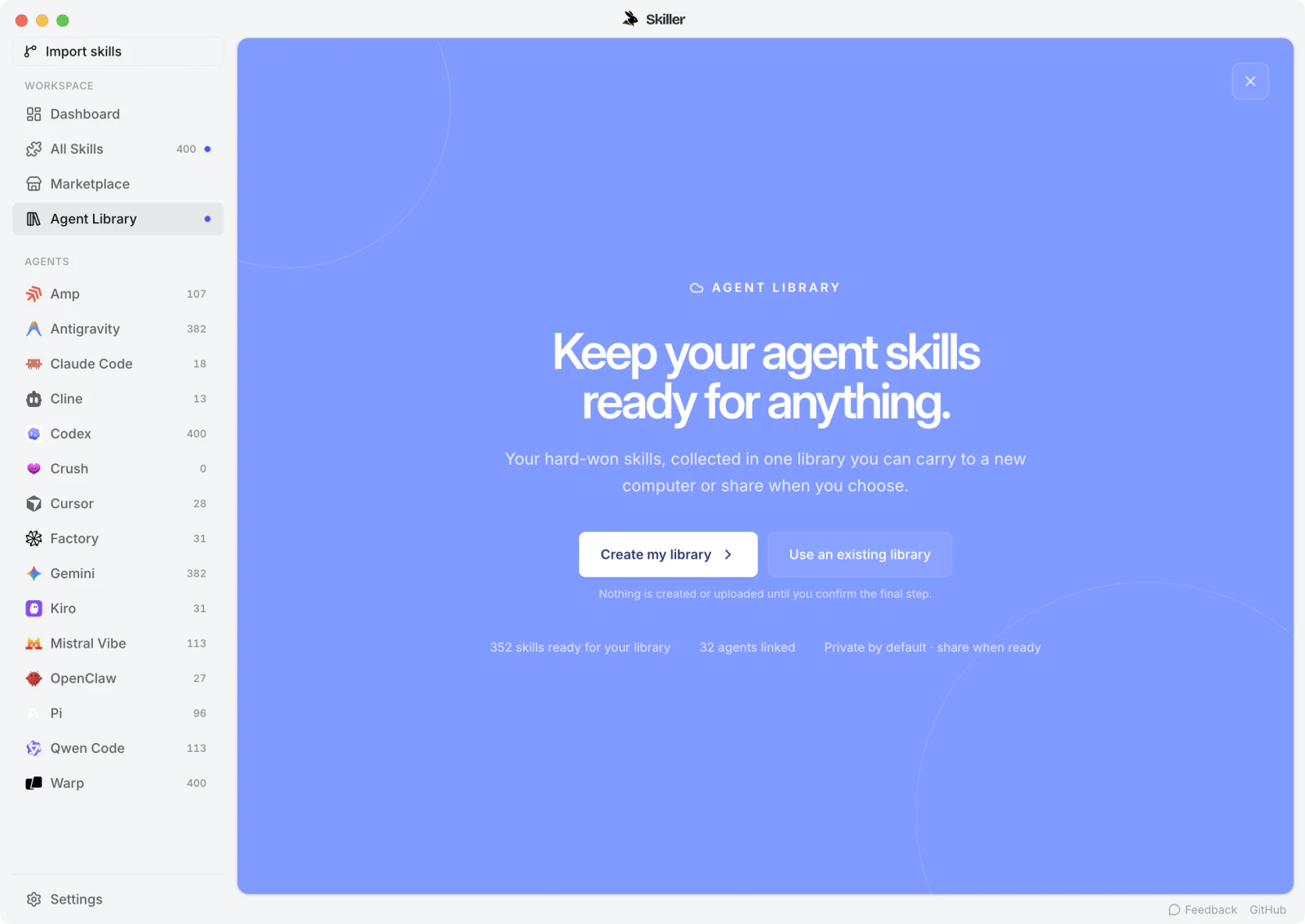
Maintain the reviewed team library in a repository, then use Skiller to inspect and manage the copies installed on your machine. Skills Manager shows installed skills, their instructions and the agents that consume them. That helps each teammate check their local setup against the version the team agreed to use.
Review changes in Git before applying them locally. In Skiller, inspect the existing skill content, preserve any customization you need, and synchronize the reviewed copy to the intended agents. Test the workflow in each target client after the update.
This workflow does not assume that Skiller hosts a team cloud library or manages repository approvals. Git supplies the reviewed source and history; Skiller supplies local inspection, editing and synchronization. Keep both responsibilities explicit so a successful sync is not mistaken for a reviewed release.
Choose a source of truth
A shared skill library starts with ownership. Decide which repository contains the reviewed source and who maintains each workflow. Project-specific skills can live with the application repository. Reusable team procedures can live in a separate library, with a documented way to install them into supported clients.
Do not treat whichever copy someone edited most recently as authoritative. Record the source revision and distinguish shared instructions from personal adaptations. A skill name alone is not a version identifier: two directories with the same name can behave differently.
Distribute the complete package
A skill may include scripts, references and templates. Copying only SKILL.md can leave the procedure discoverable but unusable. Review the package as a unit and list required tools, operating systems or account access where those requirements matter.
team-skills/
├── review-release-notes/
│   ├── SKILL.md
│   └── references/
│       └── terminology.md
└── check-migration/
    ├── SKILL.md
    └── assets/
        └── review-template.md
This is an example source repository layout. Install the named skill directories into the discovery paths documented by each client. The source repository's top-level folder does not become a valid discovery path merely because it contains skills.
Review changes before distributing them
Use version control to make changes visible. A useful change description explains what behavior changes, which dependencies are affected and what was tested. For a script update, review file access and network behavior as well as the Markdown instructions. Follow the package review checklist when importing external material.
Check the license before adding third-party content to a distributable library. Keep attribution where required and preserve a reference to the original source. Reformatting a skill does not remove its licensing obligations.
Test supported environments
Define the clients you actually support. For each, record the installation path, invocation check, relevant dependencies and one representative output check. Run the candidate in a clean session with the same fixture inputs so a previous conversation cannot supply missing instructions.
| Check | Record |
|---|---|
| Discovery | Client version, path and selected skill |
| Execution | Fixture input and saved output |
| Dependencies | Required tools and available capabilities |
| Failure handling | Result when an input or tool is missing |
A client recognizing the file is not equivalent to completing the workflow correctly. Local and remote agents also have different environments. Avoid claiming broad portability after testing one client on one laptop.
Protect local customizations
Before synchronization, compare the installed directory with the reviewed source. If a teammate has edited their copy, decide whether those edits belong upstream or should remain a named local variant. Back up the existing directory before replacement. Do not silently overwrite a customization to make every folder look identical.
Keep client-specific wrappers small when the shared procedure is otherwise identical. Document why the wrapper exists and verify it separately. The cross-agent sharing guide explains source and target selection in more detail.
Keep rollback practical
Retain the previous reviewed revision and its test results. If a new version fails, restore the full previous directory, reload the client as documented and rerun the same bounded check. Reverting only the main instruction file may leave a changed script or reference behind.
Skiller can help inspect, edit and synchronize skill copies. Treat that as library management: your team still owns review, permissions and verification in the target agent. A useful library grows from tested workflows that people maintain, rather than from the number of directories collected.
FAQ
How should a team share agent skills?
Keep the reviewed source library in Git, make changes through a reviewable workflow and let each teammate deploy to their own intended agents and projects.
Does Skiller provide the whole team sharing workflow?
Skiller helps inspect, edit and sync local skill copies. Git supplies shared history and review in this guide; do not confuse local deployment with a hosted team service.
How do I protect personal skill customizations during team updates?
Compare the reviewed upstream change with the local copy, preserve deliberate customizations and test the merged procedure before syncing it further.
Your skills. One place.
Inspect, edit and sync your skill library across coding agents.
Download Skiller